01 / MATCHUP
Keep the teams, competition and date together.

SUNDAY STARTS HERE
Plan a football viewing setup around the game, the room and the screen you use.
Entertainment and sports














Football plans often begin with a familiar ritual: jerseys on the couch, food on the table and everyone asking when the game starts. Make the viewing details part of that preparation. Write down both teams, the game date and the competition so your football streaming setup starts with an exact matchup rather than a broad category.
When asking about a game through TVPass IPTV, include the channel or broadcast version you want if you already know it. National and regional coverage should not be treated as interchangeable. Keep your preferred commentary language in the same note, especially if people in the room have different expectations about the broadcast they will hear.
Send a matchup question →
Check the television from the seats people will actually use. The score, clock and down information should remain readable without everyone leaning forward. Move a bright lamp if it reflects across the field, and avoid stretching the picture to fill the screen. Preserving the original frame helps keep broadcast information visible at the edges.
A larger-looking picture is not automatically a clearer one. Start with the display settings you know, then compare a small change while watching normal movement. If you are using an external player or streaming device, check that its picture output suits the television. Make these adjustments before guests arrive so the game can stay the focus.
Prepare your picture settings →FOOTBALL / VIEWING PREP
01 / MATCHUP
Keep the teams, competition and date together.
02 / CONNECTION
Test the network where the screen actually sits.
03 / KICKOFF
Open the player early enough to check picture and sound.
GAME-NIGHT GUIDE
A strong signal beside the router does not tell you how the connection behaves behind the TV cabinet. Test from the device and seat you plan to use. If the television or streaming device supports Ethernet and a practical cable route is available, it is worth comparing that setup with your usual Wi-Fi connection.
Keep the comparison simple. Use the same player and stream while you change only the connection, then note what improves or stays the same. Avoid installing a new player, changing the picture mode and moving the router at once. A football streaming setup is easier to troubleshoot when each change has a clear purpose.
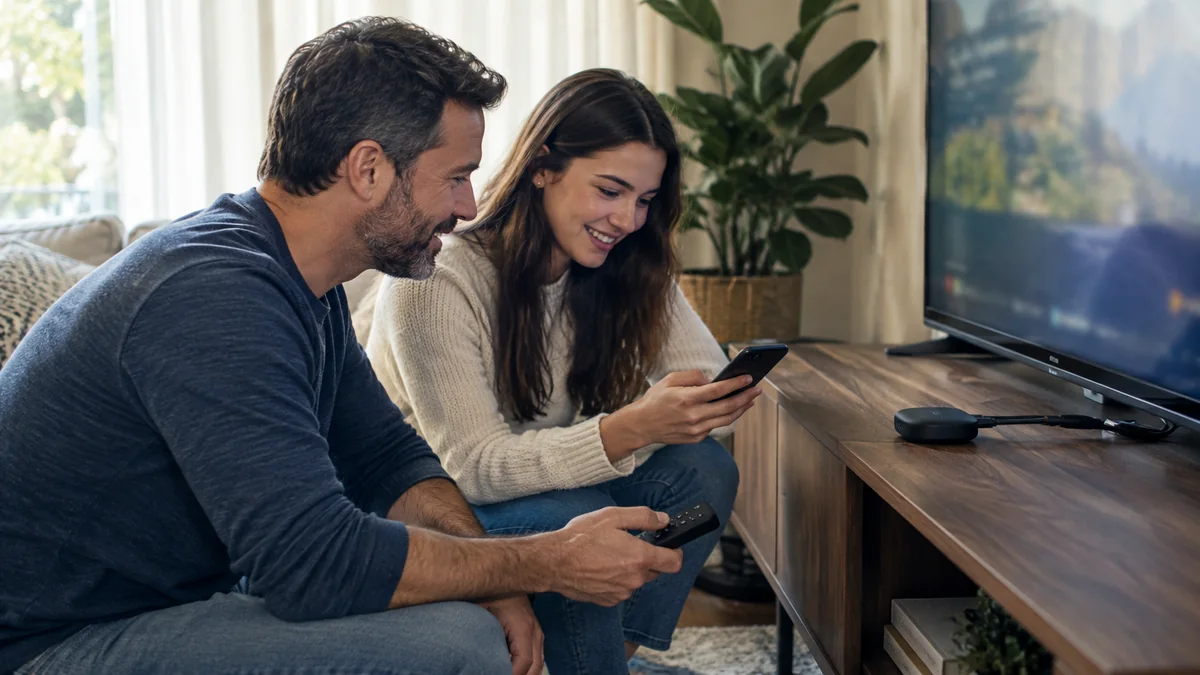
Before kickoff, find the controls you are most likely to need: volume, channel search, the back button and any favorites feature your player supports. Check the remote batteries and make sure the person looking after the screen knows which remote controls which device. That small detail matters when the television and player use different controls.
TVPass IPTV recommends beginning with KLYVO PLAY where it is available on your platform. Follow the device guide and enter the supplied connection details carefully. If you use IBOPLAYER, BOB PLAYER or IBO XPLAYER instead, choose a compatible version and take a moment to learn its navigation before your main event begins.
Some people want every word of the commentary; others are catching up with friends between plays. Start at a comfortable volume and check whether speech remains clear from the back of the room. If your television and speakers both play sound, listen for an echo and choose the intended audio output before changing equalizer settings.
Keep phones and score alerts in mind too. Different viewing routes can show the same event at different moments, so a notification may reach someone before the room sees the play. Agree on a simple approach that suits your group, such as putting alerts aside while watching together. The goal is an evening everyone can enjoy.
Check audio troubleshooting →If the stream stops or the picture changes, record the channel and approximate time of the issue. Try another stream on the same device and connection to see whether the problem follows the event or affects the whole setup. Keep track of the result before making another change, so you do not lose a useful clue.
When contacting TVPass IPTV support, describe the symptom in plain words and include your device model and player name. A message such as picture frozen with sound continuing gives more direction than football not working. Share the matchup and any displayed error, but keep passwords and account access details out of screenshots or public messages.
Get game-day support →EXPLORE TVPASS