One recommended player, seven platforms
TVPass recommends KLYVO PLAY for Apple TV, Android TV, Google TV, Fire TV Stick, Windows, iOS and Android. Choose the version for your device and check its current software requirements.

PLAYER SPOTLIGHT
Our recommended player for Apple TV, Android TV, Google TV, Fire TV Stick, Windows, iOS and Android.
Entertainment and sports














TVPass recommends KLYVO PLAY first for Apple TV, Android TV, Google TV, Fire TV Stick, Windows, iOS and Android. Begin with the platform you intend to use most often. The right version should suit the device and the controls you will use every evening.
This KLYVO PLAY setup route helps you organize that choice before connecting TVPass IPTV. Find the device model and operating-system version, then follow the corresponding guide. A player name is only the start of the decision; you also need a suitable official installation route, the correct connection format and a comfortable way to navigate the app.
Choose the matching device guide →
Use the official store or publisher route for your device and inspect the current listing information. Check the publisher name, supported platform and software requirements shown there. Similar app names can make a result look familiar, so take a moment to confirm that you are looking at the intended product.
Review any separate player terms alongside the information supplied for your TVPass subscription. Installing an app and connecting a subscription are different steps, and any app-specific requirements should be understood before you proceed. Avoid relying on an unverified download link merely because it appears in a guide or repeats the player name in its heading.
Understand the overall setup process →DEVICE GUIDE
Read the account or playlist options offered by the installed version and choose the format that matches your supplied information. If the route asks for separate values, keep the server address, username and password in their respective fields. Do not force a different format into those fields simply because it contains some of the same information.
Check the completed entry privately before submitting it. Extra spaces, missing punctuation or incomplete copied text can cause confusion that looks like a larger setup problem. If the connection fails, note the exact error and the step at which it appeared. Keep credentials and private playlist addresses hidden whenever you share a screenshot or ask for help.
A CLEARER CONVERSATION
Choose your device
Your player name
Your connection format
TVPass recommends KLYVO PLAY for Apple TV, Android TV, Google TV, Fire TV Stick, Windows, iOS and Android. Choose the version for your device and check its current software requirements.
Install KLYVO PLAY through its official device or publisher route. Then enter the account or playlist details supplied for your setup and test picture, sound and navigation.
If KLYVO PLAY is unavailable on your device, choose a compatible version of IBOPLAYER, BOB PLAYER or IBO XPLAYER. Match the app to your model and use its official installation route.
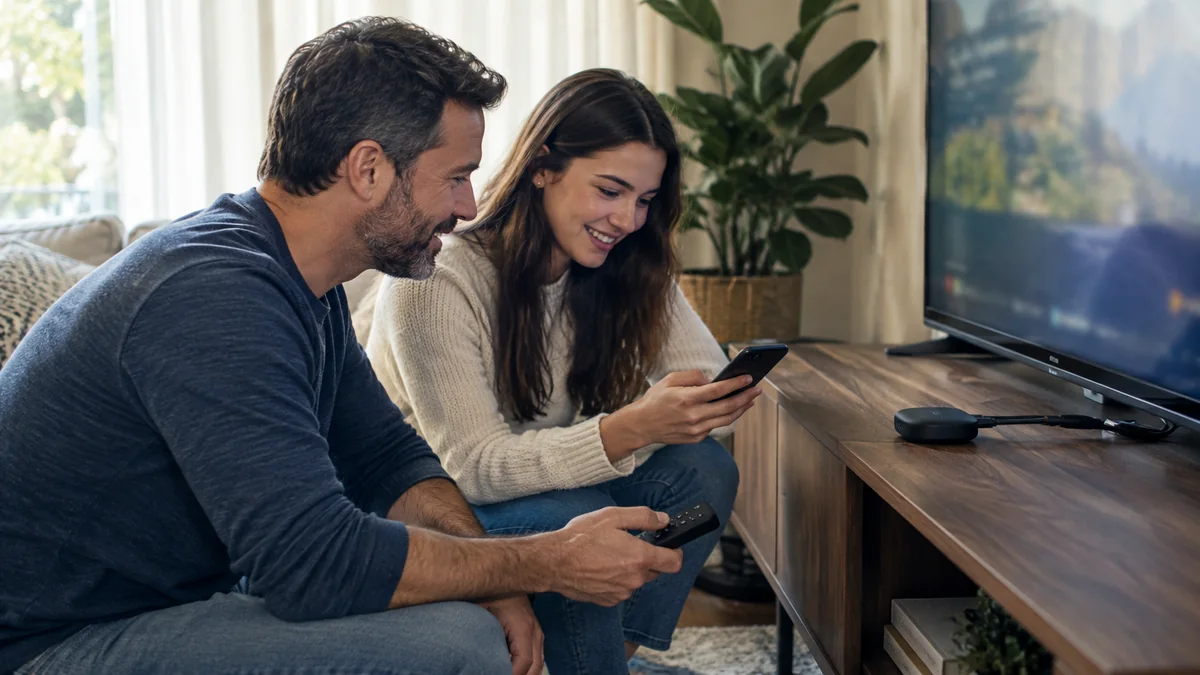
On a television, use the normal remote from your viewing seat. On a phone or tablet, test touch controls and the orientation you prefer. On Windows, check the keyboard or pointer arrangement you plan to use. Open one item, return to the list and make sure the ordinary route through the player feels understandable.
Your first TVPass IPTV session should also include a short sound and picture check. Confirm the intended audio output and inspect the image without changing several settings at once. Once that baseline works, explore favorites and preferences supported by your installed version. Keep the adjustments focused on your viewing habits rather than changing everything available.
Refine picture and sound →If KLYVO PLAY is unavailable for your exact device, review compatible versions of IBOPLAYER, BOB PLAYER or IBO XPLAYER. Compare the operating-system requirements, control method and accepted connection format. The alternative should solve the device-specific need rather than simply add another app with similar-looking screens.
For Samsung and LG televisions, check native availability against the exact model and regional app store. A separate Apple TV, Android TV or Google TV device, or Fire TV Stick, is another route for the television screen. Before buying hardware, confirm the connection and the intended player version so the new route is clear from the start.
Once the setup works, note the player name, device model and software version somewhere useful. Remember how to return to the app after another person changes the television input or uses a different source. A simple routine helps the player become part of the evening instead of a setup exercise you repeat each time.
If you later need TVPass IPTV help, explain what changed and what you can still do. Include the symptom, any error wording and the checks you have completed, while keeping private account details out of the message. A clear record helps you and the support team continue from a known starting point instead of guessing at the original setup.
Open the help center →EXPLORE TVPASS